





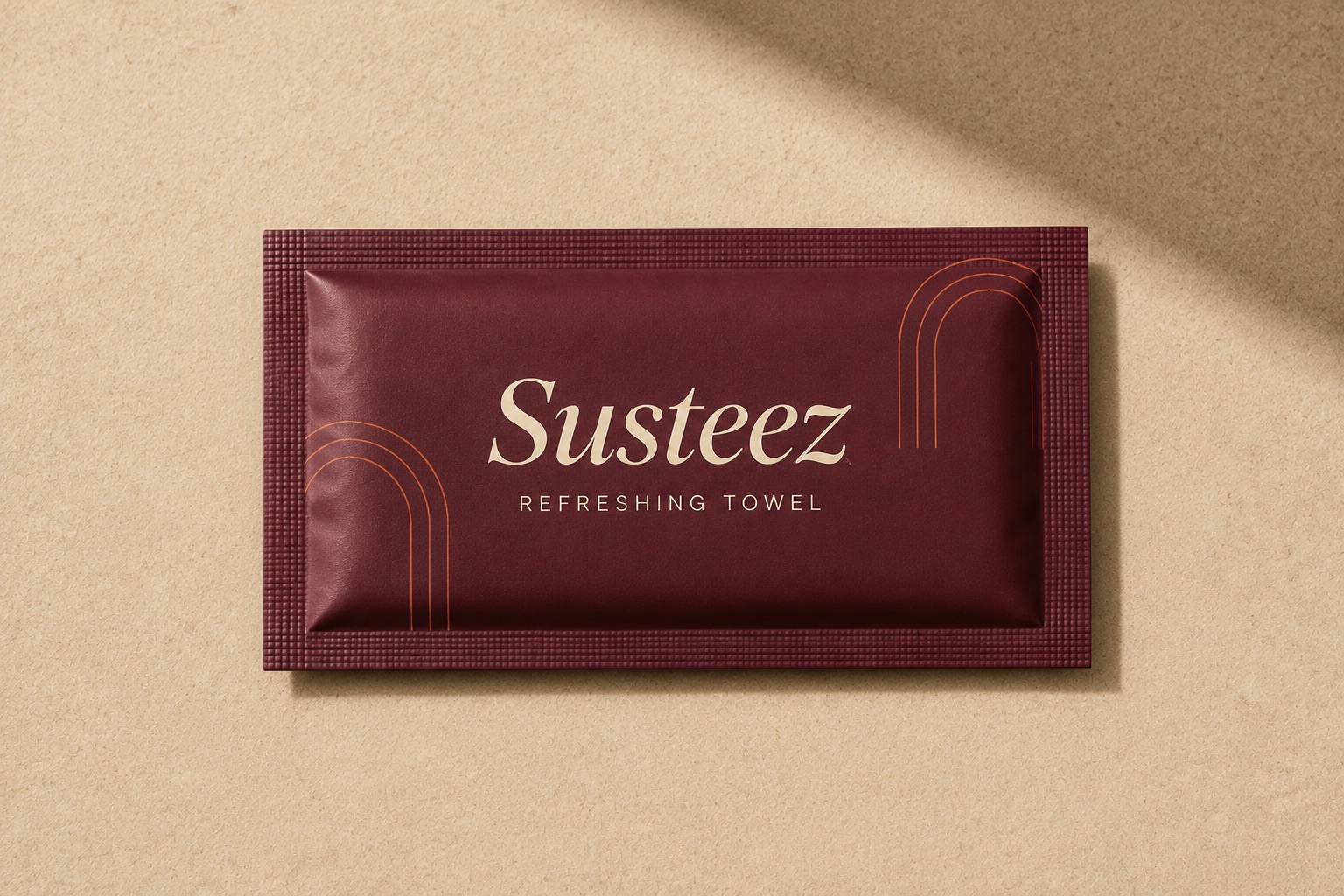

Why bleed and safe area exist
Bleed is background extended beyond the cut line, so that if the blade drifts by a fraction of a millimetre no white sliver appears at the edge. Safe area is the margin inside the cut line that type and logos must stay out of. They are the same tolerance handled in two directions: one outward, one inward.
The cause is cutting tolerance
Paper is cut in stacks and the blade does not land in precisely the same place every time. The variance is under a millimetre, and it is clearly visible: if the background stops exactly at the cut line, a thin white line shows along the edge.
Two margins, two jobs
What this means in practice
Background colour and photography are extended past the cut line, while anything that has to be read is kept inside the inner margin. Exact values depend on the product and the cutting die, and are printed on the template you download.
The two file errors that come back most
- The background stops at the cut line — no bleed, so a white edge appears.
- The logo sits against the edge — outside the safe area, so it gets trimmed.
How to check
Place the artwork over the template and look at three lines: does the background cross the outermost line, is all type inside the innermost line, and does anything that needs reading fall on a fold.
Frequently asked
- Is bleed the same on every product?
- No. It changes with the cutting method and the material; a die-cut sleeve and a guillotine-cut napkin do not carry the same tolerance.
- Does a white background need bleed?
- If the stock is already white the drift is invisible, so no. On coloured or kraft stock it is essential.
Last updated: 2026-09-13